Why Your GPS Says You're Standing Right on Top of the Cache — and It's Still Not There
Quick Answer: Consumer GPS accuracy is typically 10-20 feet even under good conditions, and tree canopy, nearby structures, and terrain can widen that error considerably — a reading of “0 feet” doesn’t mean zero real-world distance, it means the app has run out of decimal precision to display, and the actual cache is very likely still within that normal error radius.
It’s one of the most common geocaching frustrations, and it’s a GPS limitation, not a bad hide or a broken app.

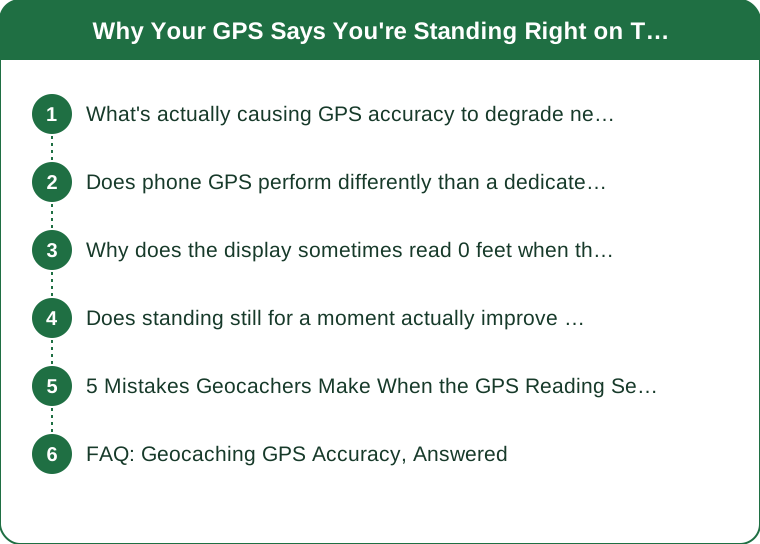
What’s actually causing GPS accuracy to degrade near the final spot?
Tree canopy, canyon walls, and nearby buildings all block or reflect satellite signals, a phenomenon called multipath interference — geocaches are frequently placed in exactly these signal-degrading environments (wooded areas, urban nooks), which is why accuracy often gets worse right at the point it matters most, not better.
Does phone GPS perform differently than a dedicated handheld GPS unit?
Yes — dedicated handheld GPS units generally achieve better accuracy in degraded-signal conditions than phone GPS, partly due to better antenna design and sometimes access to additional satellite systems, which is why experienced geocachers in heavily wooded areas often prefer a dedicated unit for difficult hides.
Why does the display sometimes read 0 feet when the cache clearly isn’t right there?
The app’s displayed distance is rounded to the app’s precision setting, and a true GPS position with 15-20 feet of real error can still round down to a displayed “0 ft” — the number on screen reflects calculated position, not guaranteed real-world accuracy, which is an important distinction most casual users aren’t aware of.

Does standing still for a moment actually improve the reading?
Often yes — letting the GPS receiver settle for 30-60 seconds while stationary allows it to average out several readings rather than reacting to a single noisy signal snapshot, which commonly improves accuracy meaningfully compared to checking the reading while still walking.
5 Mistakes Geocachers Make When the GPS Reading Seems Off
- Trusting a single reading instead of letting it settle and averaging several checks over a minute.
- Searching in a tight circle around the exact displayed point instead of the realistic error radius around it.
- Not switching to a more open nearby spot briefly to get a better fix before returning to the search area.
- Ignoring the cache’s difficulty and hint in favor of over-relying on GPS precision that was never guaranteed to begin with.
- Giving up on a hide when the real issue is temporary signal degradation, not a wrong or missing cache.
FAQ: Geocaching GPS Accuracy, Answered
What’s a reasonable search radius to use around a 0-feet GPS reading?
Searching a roughly 15-25 foot radius around the displayed point, rather than only the exact spot, accounts for typical consumer GPS error and finds the large majority of correctly-placed caches.
Does weather affect GPS accuracy for geocaching?
Heavy cloud cover has a minor effect, but tree canopy and terrain features generally have a much larger impact on accuracy than weather conditions do.
Is it worth reading the cache’s hint before relying heavily on GPS precision?
Yes — the hint is specifically provided because hide owners know GPS accuracy has real limits at most cache locations, and it’s often the faster path once GPS gets you into the general area.
TL;DR:
- Consumer GPS accuracy is typically 10-20 feet even in good conditions, worse under tree cover
- Tree canopy and nearby structures cause multipath interference right where caches are often hidden
- A displayed “0 feet” reflects rounding, not guaranteed real-world zero distance
- Letting the GPS settle for 30-60 seconds while stationary usually improves the reading
The GPS wasn’t lying — it just has a real, normal error radius, and the cache is almost always still inside it.
Keep Reading
This article is for general informational and styling purposes only. Fit, sizing, and product availability may vary.