Why Your GPS Says 'You're Here' When the Cache Is 30 Feet Away — and How to Fix It
Quick Answer: GPS drift of 15-30 feet is normal and caused by signal reflection off trees, buildings, and terrain — once your GPS says you’ve ‘arrived,’ stop watching the screen and start scanning likely hiding spots at that radius instead.
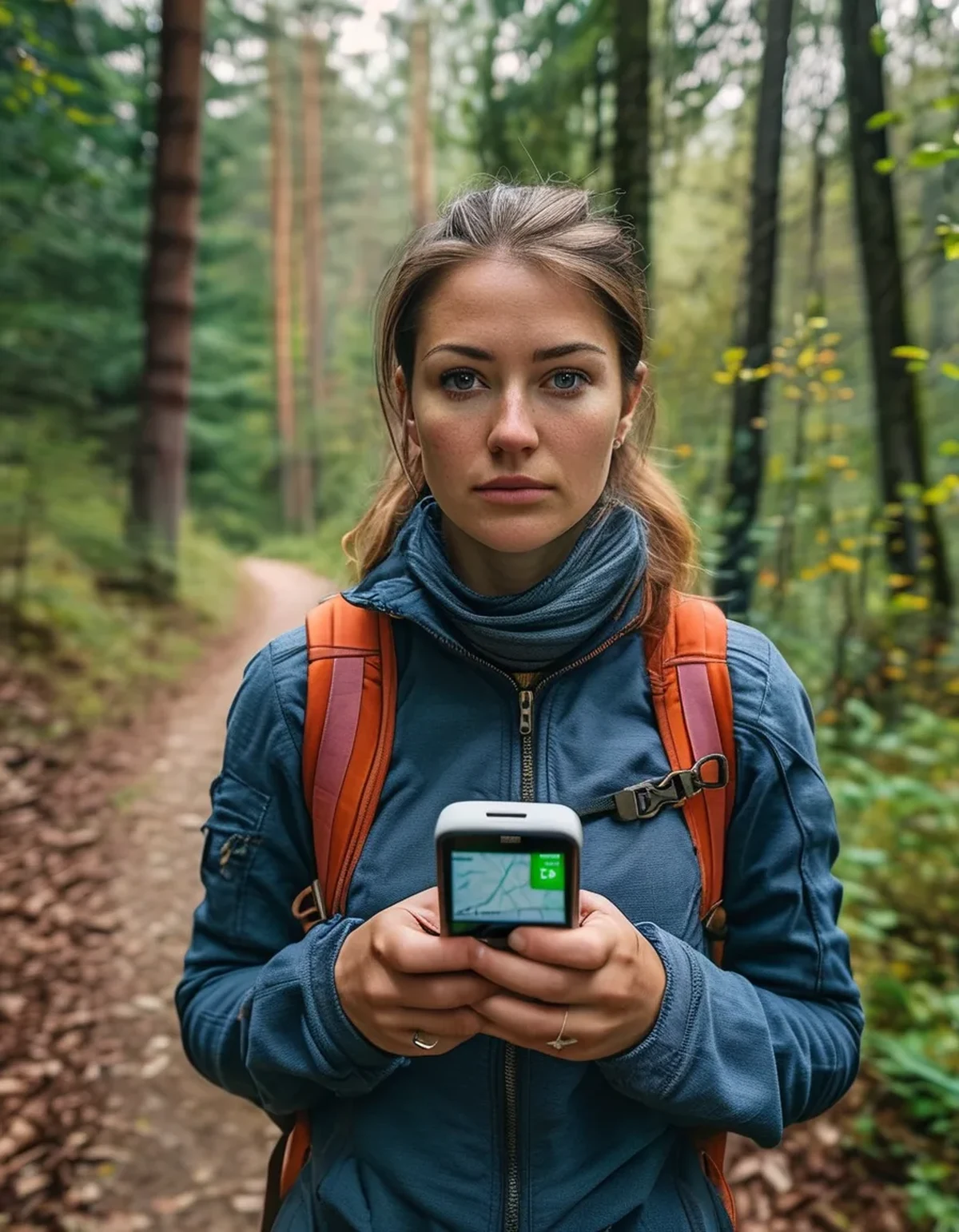
The app says zero feet. You’re standing right on the dot. And there’s nothing here. This is the single most common frustration in geocaching, and it has almost nothing to do with the app being broken.
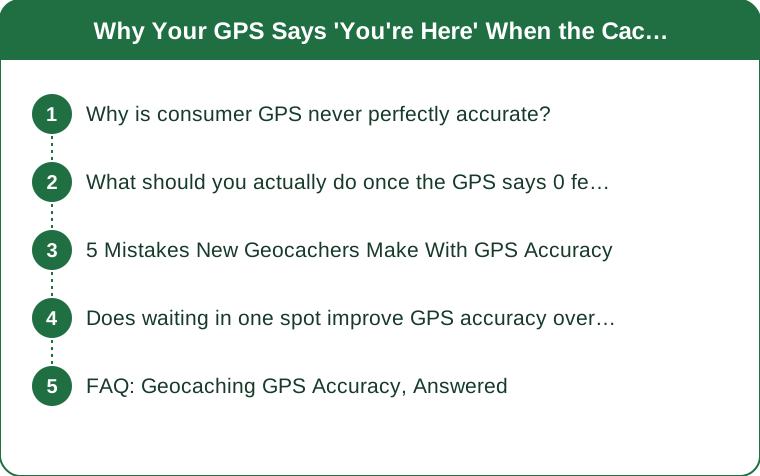
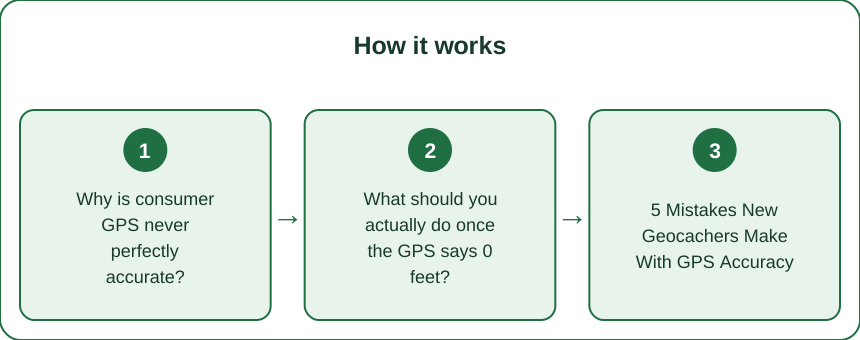
Why is consumer GPS never perfectly accurate?
Phone and handheld GPS units are accurate to roughly 10-30 feet under normal conditions, and that margin gets worse under tree canopy, near cliffs, or between tall buildings, all of which reflect or block satellite signals. The listed cache coordinates also came from someone else’s GPS reading, which carries its own margin of error — so two imperfect readings can compound.
What should you actually do once the GPS says 0 feet?
Stop staring at the screen. Once the distance reads under 30 feet, the GPS has done its job — further precision from the device won’t come. Look up and start scanning the physical terrain in that radius for likely hiding spots: base of trees, under rocks, in stone walls, or attached to man-made structures.

5 Mistakes New Geocachers Make With GPS Accuracy
1. Chasing the arrow instead of scanning terrain once close, wasting time walking in circles. 2. Searching under tree canopy without accounting for extra drift — accuracy gets notably worse under dense cover. 3. Ignoring the cache’s difficulty and terrain rating, which often hints at hiding style. 4. Not reading recent logs before searching, which frequently mention landmark hints. 5. Giving up right at the edge of the search radius, when many caches sit exactly at that 20-30 foot boundary.
Does waiting in one spot improve GPS accuracy over time?
Yes, somewhat — standing still for 15-20 seconds lets a GPS receiver average multiple satellite readings and often tightens the accuracy circle slightly, especially in open areas. Under heavy tree cover, this helps less, since the signal degradation is about obstruction, not just movement.
FAQ: Geocaching GPS Accuracy, Answered
Are dedicated GPS handhelds more accurate than phone apps for geocaching?
Modern handhelds are often slightly more accurate under tree cover due to stronger antennas, though the difference has narrowed significantly with newer phones.
Should I trust the compass arrow when it’s spinning erratically?
A spinning arrow usually means you’re standing still and too close for the compass to calculate direction reliably — that’s actually a sign you’re near the cache, not a malfunction.
Do weather conditions affect GPS accuracy for geocaching?
Heavy cloud cover has a minor effect, but dense tree canopy and tall terrain features affect accuracy far more than weather in most cases.
TL;DR:
- GPS accuracy of 15-30 feet is normal, not a malfunction, especially under tree cover
- Once the screen shows under 30 feet, stop watching it and scan the physical terrain
- Read recent cache logs before searching — they often contain useful hints
- Many caches sit right at the edge of the search radius, so don’t give up too early
The last 30 feet of geocaching is a physical search skill, not a GPS problem — the device brought you close enough on purpose.
Keep Reading
This article is for general informational and styling purposes only. Fit, sizing, and product availability may vary.