Why Your Phone Dies Halfway Through a Geocaching Trip (and the Fix)
Quick Answer: Continuous GPS tracking, screen brightness, and cellular signal-searching in remote areas are the three biggest battery drains while geocaching. Switching to offline maps, lowering screen brightness, and using airplane mode with GPS-only location can more than double your battery life on the trail.
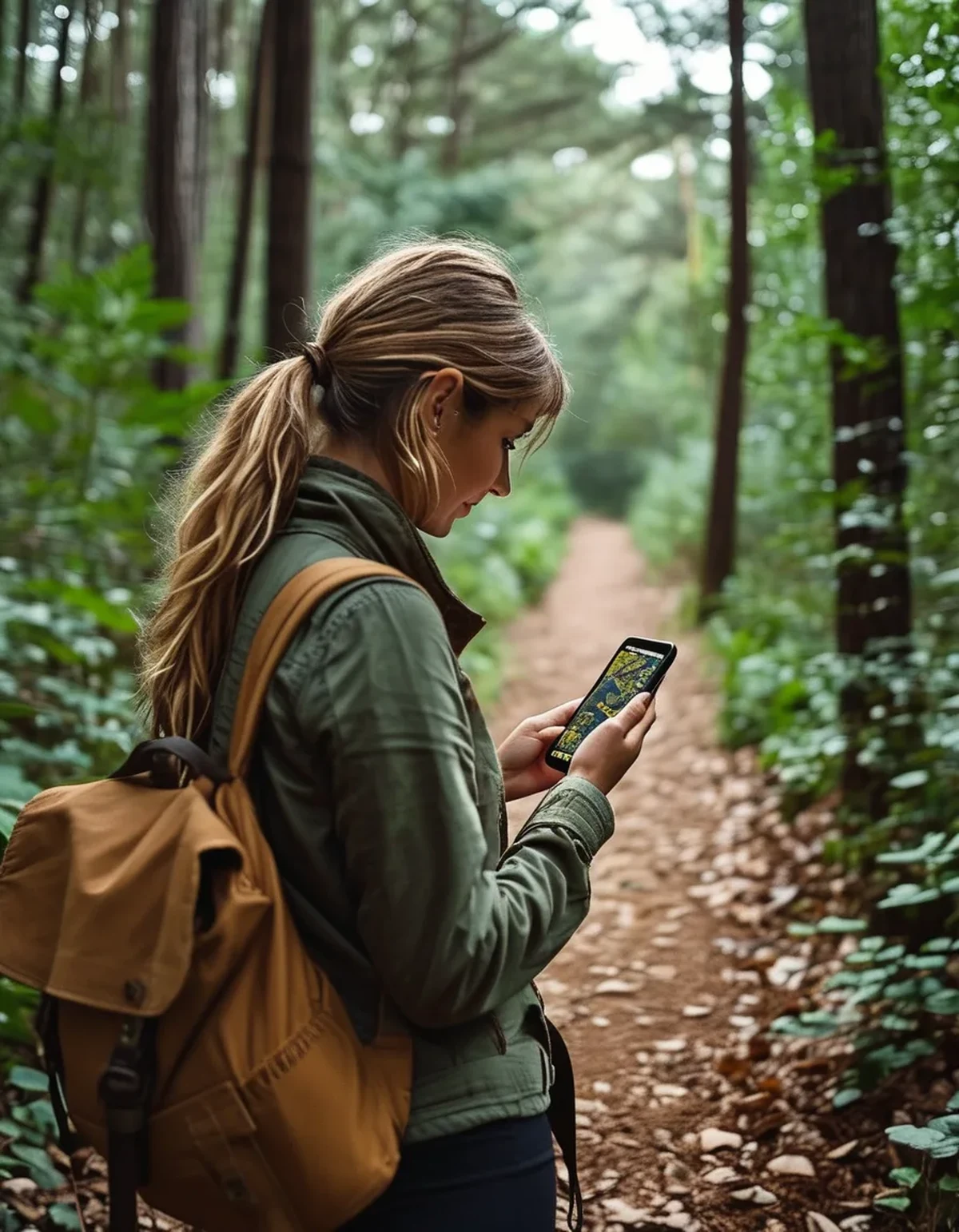
You charged to 100% before leaving, and somehow you’re at 20% by lunch with caches still left to find. Geocaching apps are uniquely hard on batteries — here’s why, and what actually helps.
What’s actually draining the battery so fast?
Continuous GPS polling (checking your location many times per minute) is the single biggest drain, followed closely by your screen staying on and bright to display the map constantly.
In remote areas, your phone also burns extra power searching for cell signal — even if you’re not making calls, the radio repeatedly scanning for a tower it can’t find uses more battery than a stable connection would.
Does airplane mode actually help if I still need GPS?
Yes, significantly — GPS itself doesn’t require cellular signal to function; it only needs satellite reception. Airplane mode stops the phone from burning power searching for cell towers, while GPS location services can usually still be enabled separately.
On most phones: enable airplane mode, then manually re-enable ‘Location’ or ‘GPS’ in settings — you keep positioning accuracy while cutting the cellular search drain entirely.

5 Mistakes People Make That Kill Trail Battery
1. Leaving screen brightness on auto or high. Manually dropping it to 30-40% barely affects outdoor visibility but saves meaningfully over hours.
2. Keeping the app open and map visible constantly. Checking in short bursts rather than leaving the screen on continuously saves substantial battery.
3. Running background apps simultaneously. Social media and email refreshing in the background compete for the same GPS and radio resources.
4. Not pre-downloading offline maps. Streaming map tiles over a weak signal drains battery searching for connection repeatedly.
5. Forgetting cold weather affects battery too. Cold temperatures reduce battery capacity independent of app usage — a bigger issue for fall and winter caching trips.
What should you actually do before a full-day trip?
Download offline map areas the night before within the geocaching app if it supports it, or a separate offline maps app as backup. Bring a portable power bank — even a small one adds several hours of buffer.
A cheap backup: put your phone in low-power or battery-saver mode from the start of the trip rather than waiting until it’s already low — starting the optimization early stretches the whole day further.
FAQ: Geocaching Battery Questions, Answered
Does a dedicated GPS device work better than a phone for battery life?
Often yes for very long trips — dedicated handheld GPS units are built for extended outdoor use and typically last far longer on standard or rechargeable batteries than a smartphone.
Will battery saver mode affect GPS accuracy?
Minimally for most phones — battery saver primarily limits background processes and screen brightness, not GPS satellite reception itself.
How much does cold weather really affect battery on a caching trip?
Significantly — battery capacity can drop noticeably in cold temperatures, sometimes 20% or more, independent of how the apps are used. Keep your phone in an inner pocket when not actively checking it.
TL;DR:
- Continuous GPS polling, bright screen, and cellular signal-searching are the top three battery drains while geocaching
- Airplane mode with GPS/location manually re-enabled cuts cellular drain while keeping positioning
- Pre-download offline maps and drop screen brightness before you head out
- Cold weather independently reduces battery life — keep your phone warm on colder trips
Set these up before you leave the car, not after your battery’s already at 30% with caches left to find.
Keep Reading
This article is for general informational and styling purposes only. Fit, sizing, and product availability may vary.